Your Minecraft server
Want to play survival with friends or try a modded server? You can host Minecraft Java or Bedrock and choose your server software in the dashboard.
Create your serverMinecraft Java & Bedrock
Start with free Minecraft hosting and earn credits for your servers. Or choose a monthly plan from £4.99 when you want more resources. We started out hosting our own worlds too.
Loading platform totals…
YOUR SERVER
Set up a Minecraft server, choose your software and manage it yourself.
Want to play survival with friends or try a modded server? You can host Minecraft Java or Bedrock and choose your server software in the dashboard.
Create your serverYou get a free pool with up to 4 GB RAM, 200% CPU and 25 GB storage. Split it between as many servers as your pool allows. Each server uses credits you can earn by completing tasks.
How credits workStart or stop your server, check the console, manage players and edit files from the dashboard. You do not have to keep switching between different tools.
Open the dashboardInstall plugins and mods, or change your Minecraft version. Just make sure the software you choose supports what you want to install.
DocumentationHOW THE FREE POOL WORKS
Free accounts can create multiple servers and divide a shared allowance among them. You choose how much of the pool each server uses. The total cannot go over your free pool.
Free servers use credits. You can earn credits by completing tasks in our rewards programme. If you have enough credits, your servers renew automatically, unless you turn auto renewal off.
Read about credits and renewalThis is just an example of splitting RAM. Your actual settings, available resources and credit costs are shown in the dashboard.
MORE RESOURCES
Free hosting is good for getting started. If you need more space or CPU for a bigger server, we also have monthly paid plans on a separate Premium pool.
PREMIUM TIER 1
For servers that need more than the free pool.
PREMIUM TIER 2
More room for larger worlds and modded servers.
These are shared pool limits, not an amount given to every server. Moving a free server to Premium currently means downloading your files and uploading them to a new server. Our team can help if you get stuck.
We didn't plan to run a hosting project. I just wanted somewhere to play Minecraft without paying so much every month.
Melvin & Qking, FreeMcHostingTHE FIRST SERVER
I hosted a Minecraft server on my Ryzen 5 3600 PC with 8 GB of RAM. We had a pretty good community, and for a while everything was going well.
THEN THINGS GOT DIFFICULT
We kept getting DDoS attacks and bots joining the server. I moved to a hosting company, which made things easier, but it cost too much every month. So I stopped running it.
A FEW YEARS LATER
I'd been building and selling computers for a few years. I wanted a private Minecraft server again, but the 32 GB PC I had was more than we needed. I tried hosting it myself with better network protection, and it worked.
FREEMCHOSTING
Qking has helped me with Minecraft servers since the early days. We started FreeMcHosting together so other people could have somewhere affordable to host their own worlds. We now run nodes in the UK and Netherlands, with some volunteers helping with support.
Find us on Discord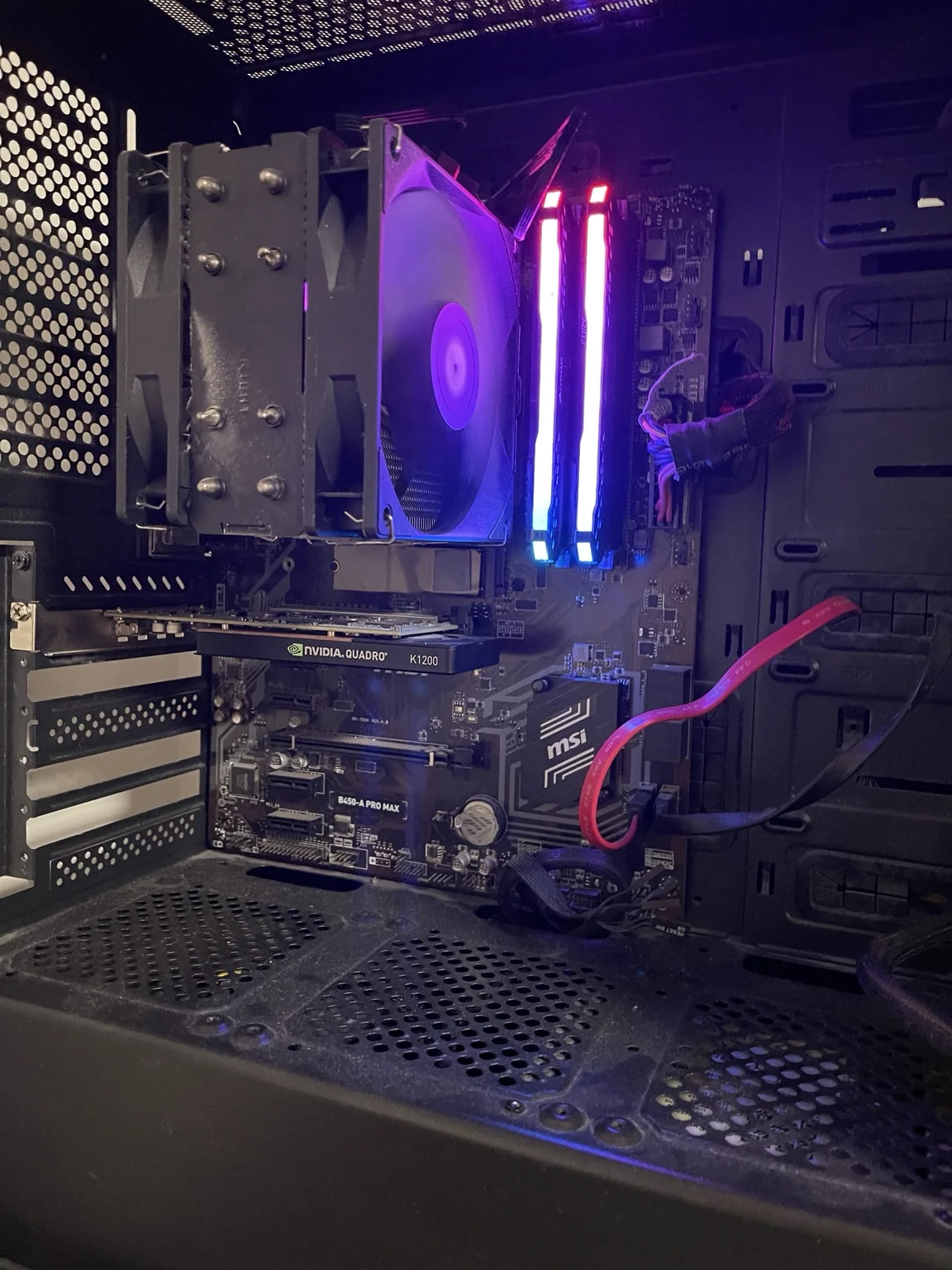 Built with spare hardware.
That's how FreeMcHosting started. Nothing too complicated.
BEHIND THE PROJECT
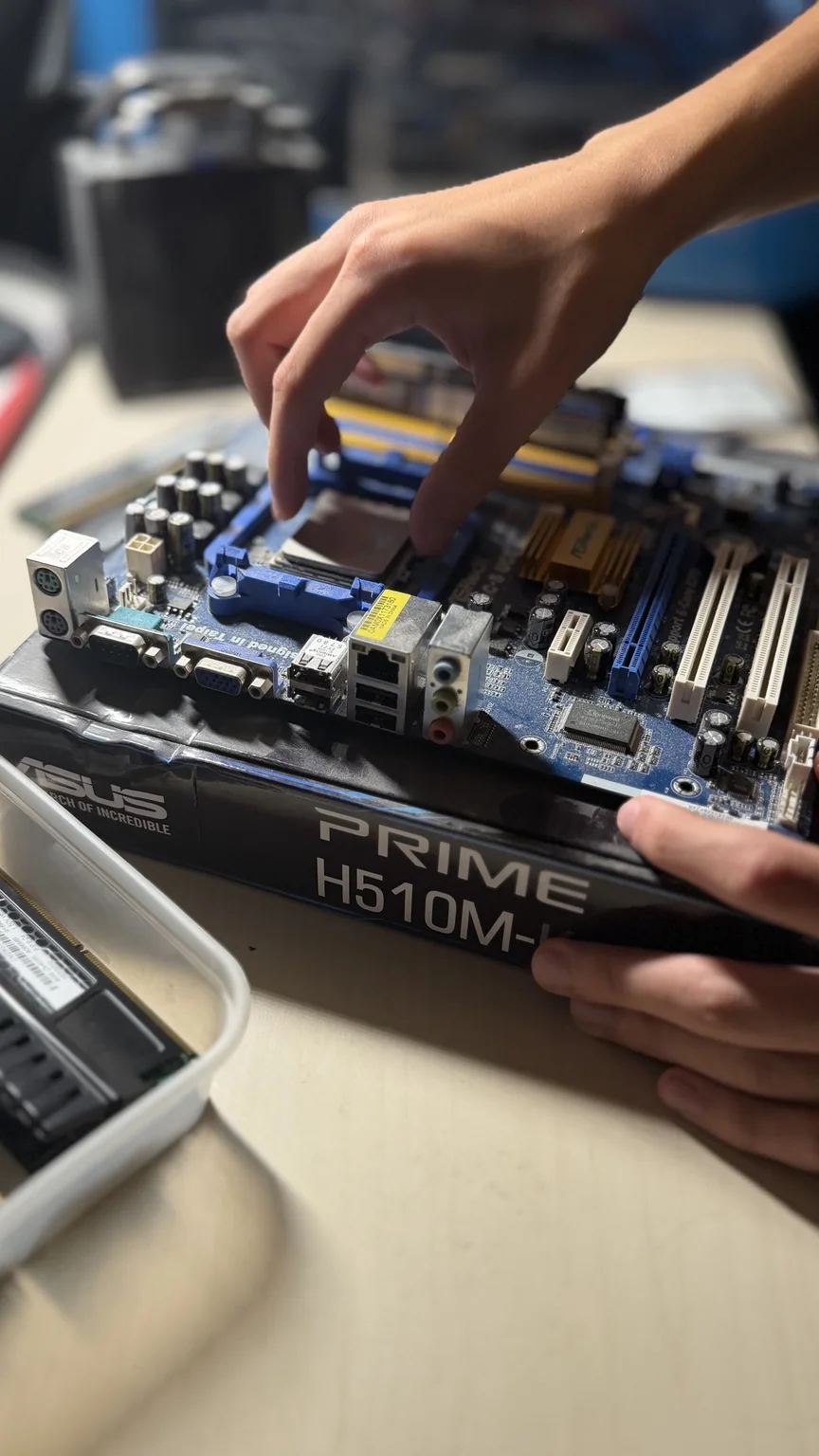
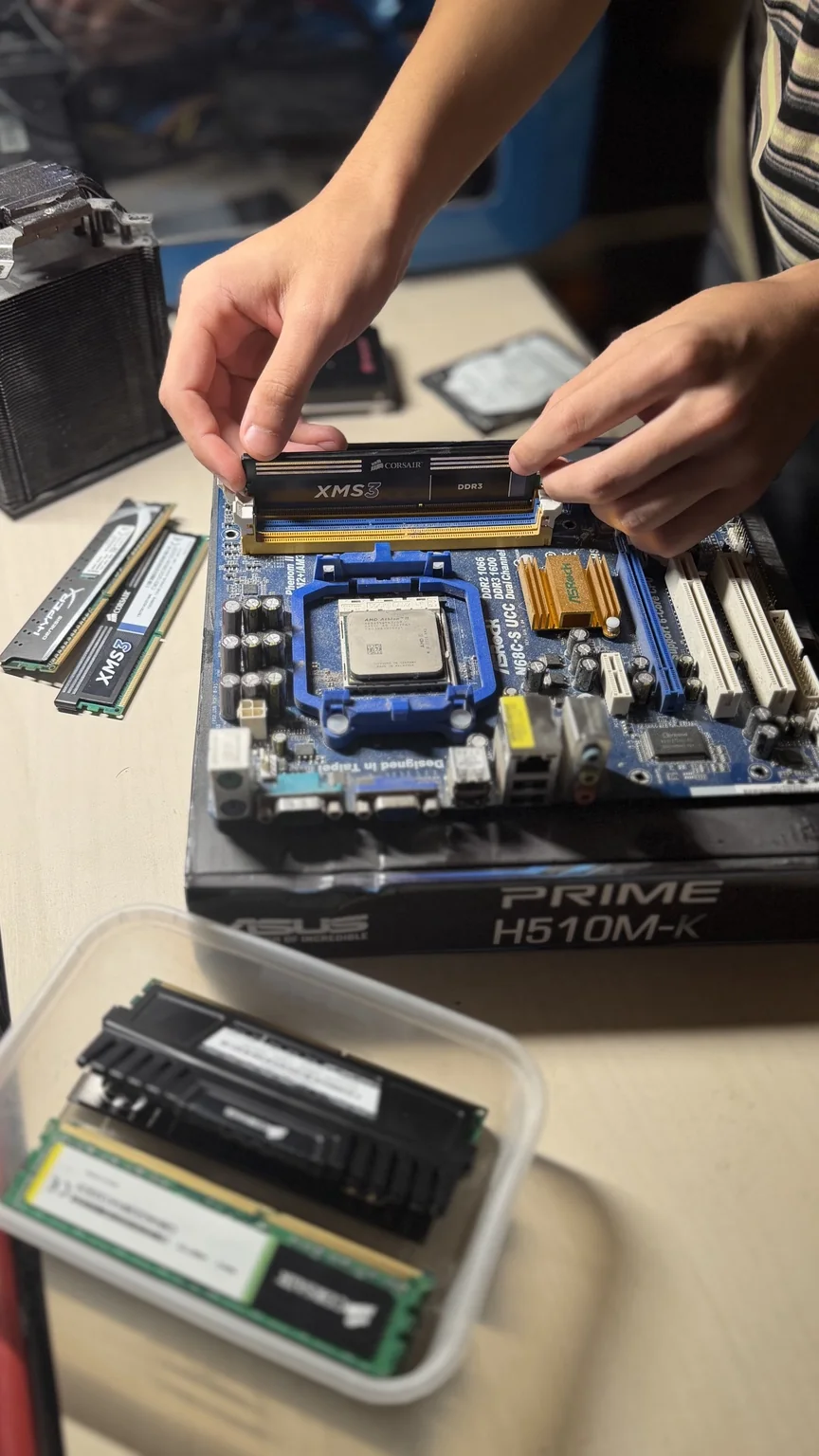
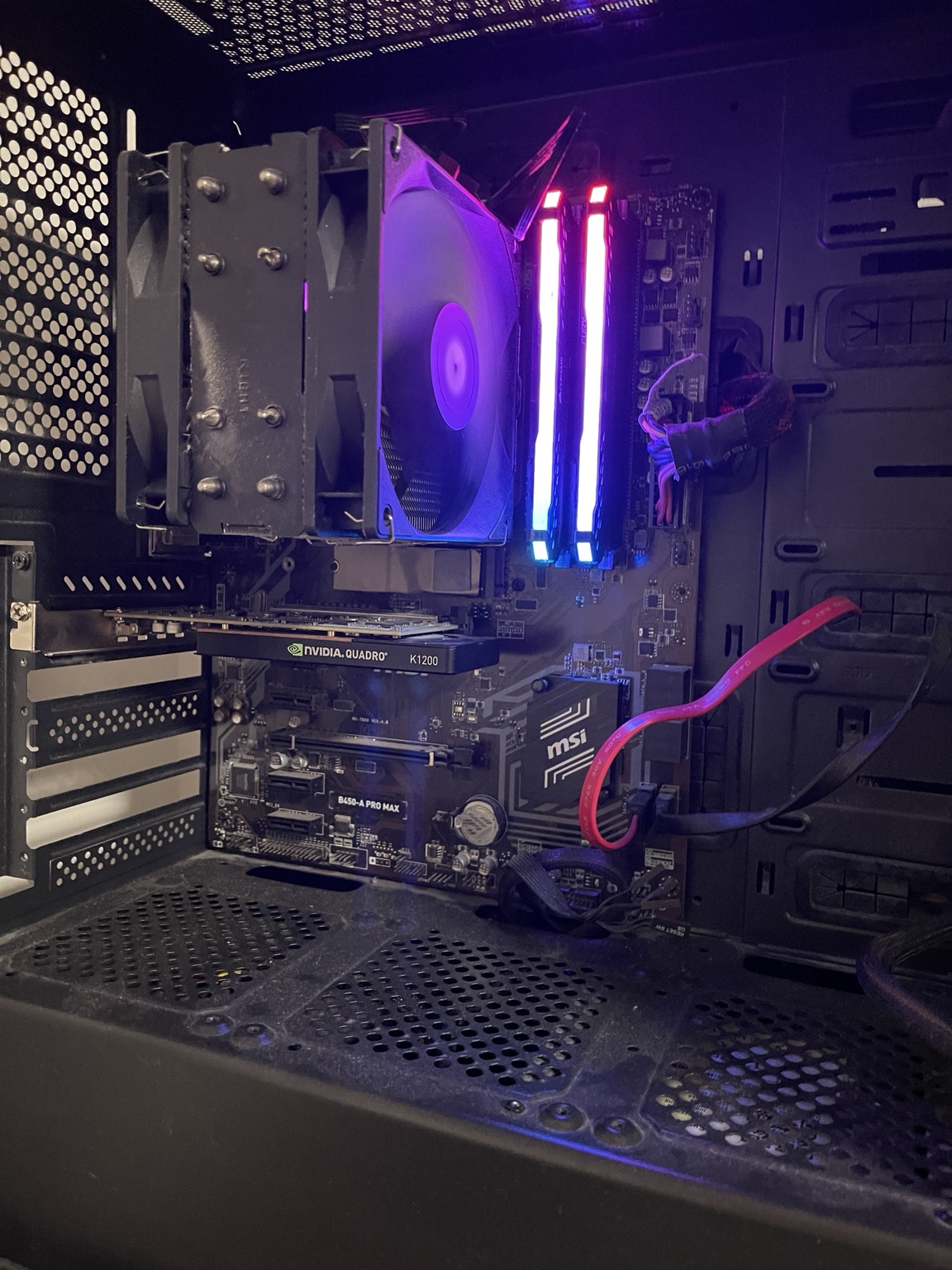
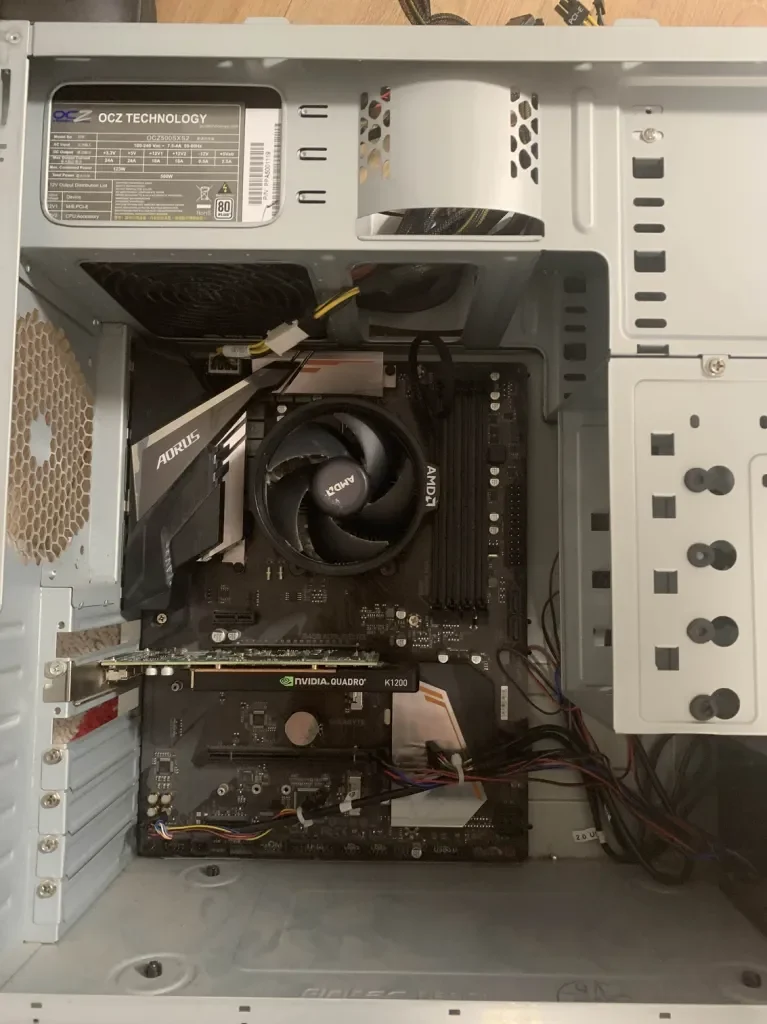
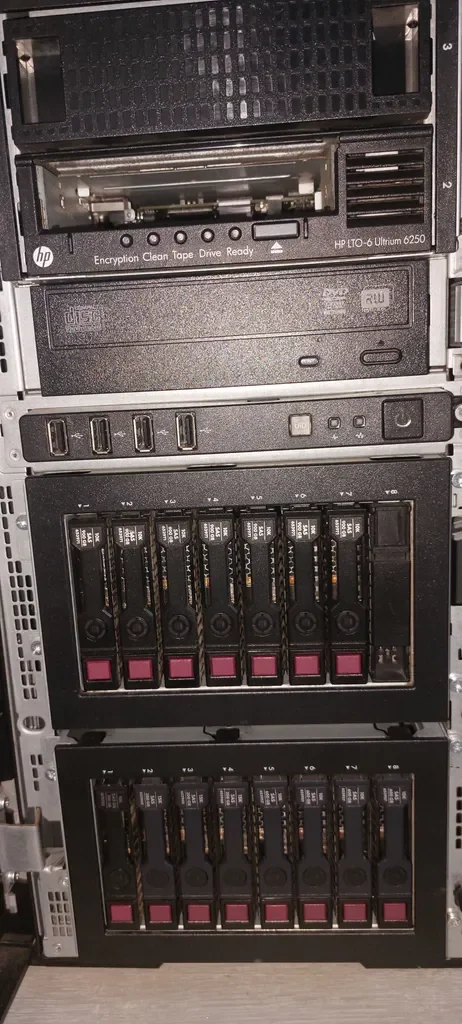
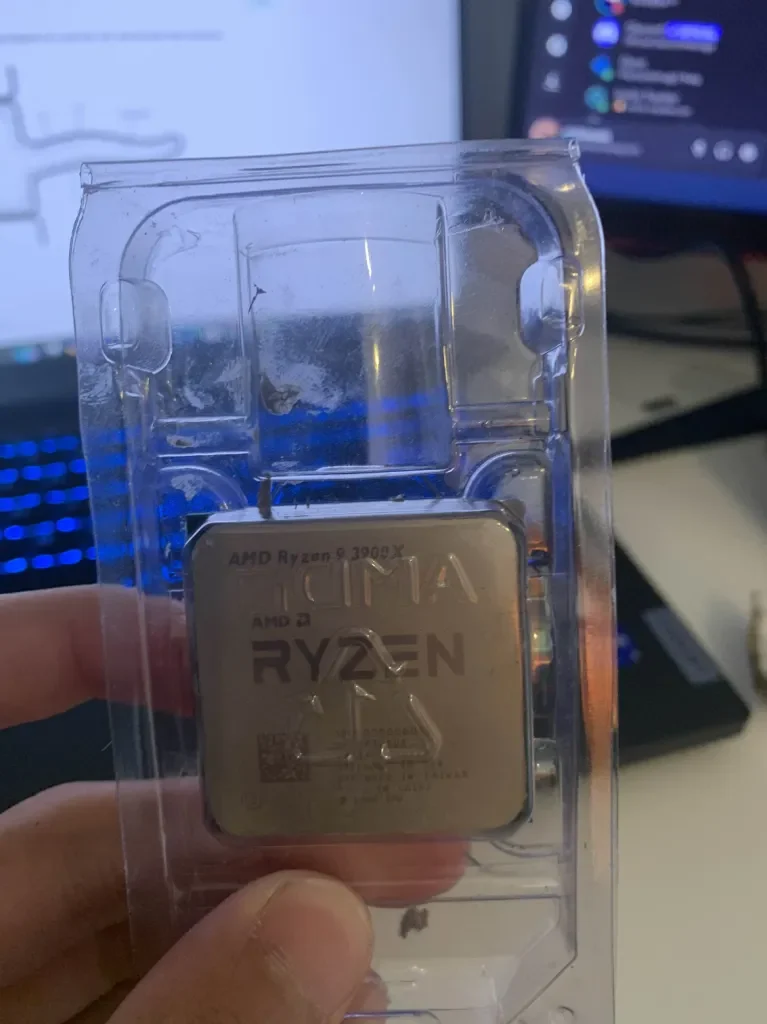
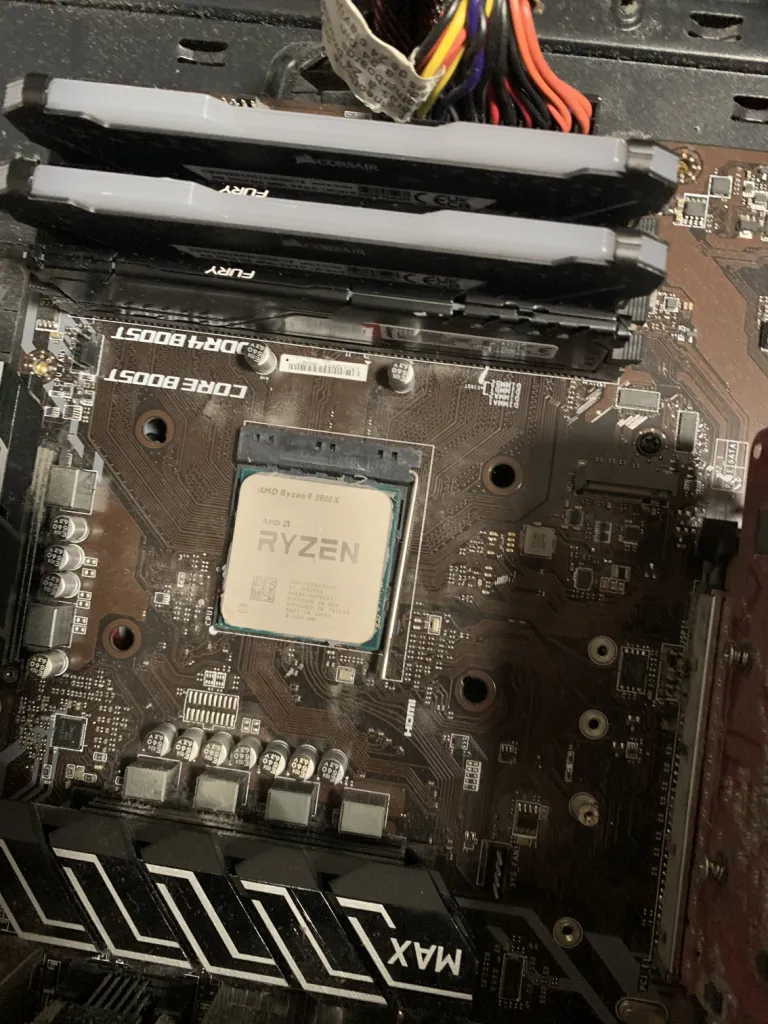
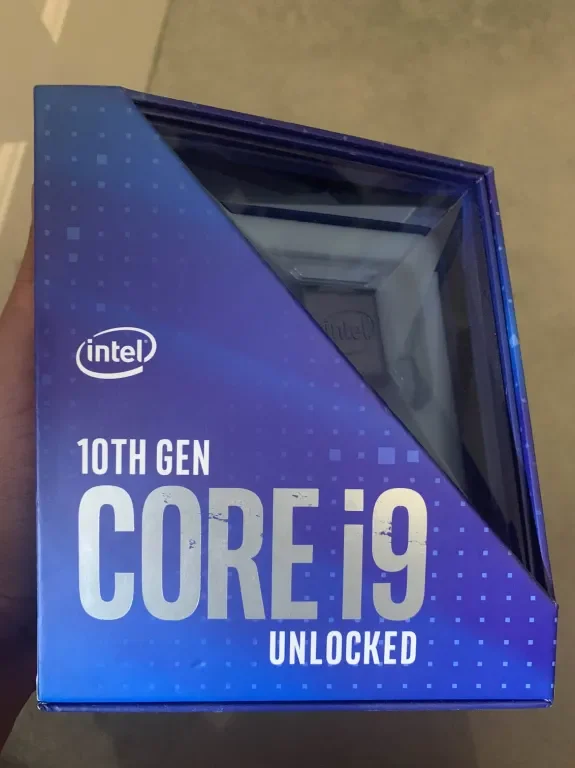
We still do most of this ourselves. These are real photos from our hardware collection, not pictures of a data centre we found online.
We run UK and NL nodes, but the photos here aren't a list of what each node is currently using.
A QUICK NOTE
Electricity, maintenance and attacks can cause interruptions, and we can't promise 100% uptime. We may temporarily stop free nodes during a serious attack. You can check the live status page and should keep a copy of important worlds.
NEED A HAND?
Whether you're starting your first server or trying to fix something, we've written down the steps.
Browse all guidesStart for free with credits, or choose a monthly paid plan for more resources.
Open dashboard